Block spy pixels & tracking images
New Feature
Improvement
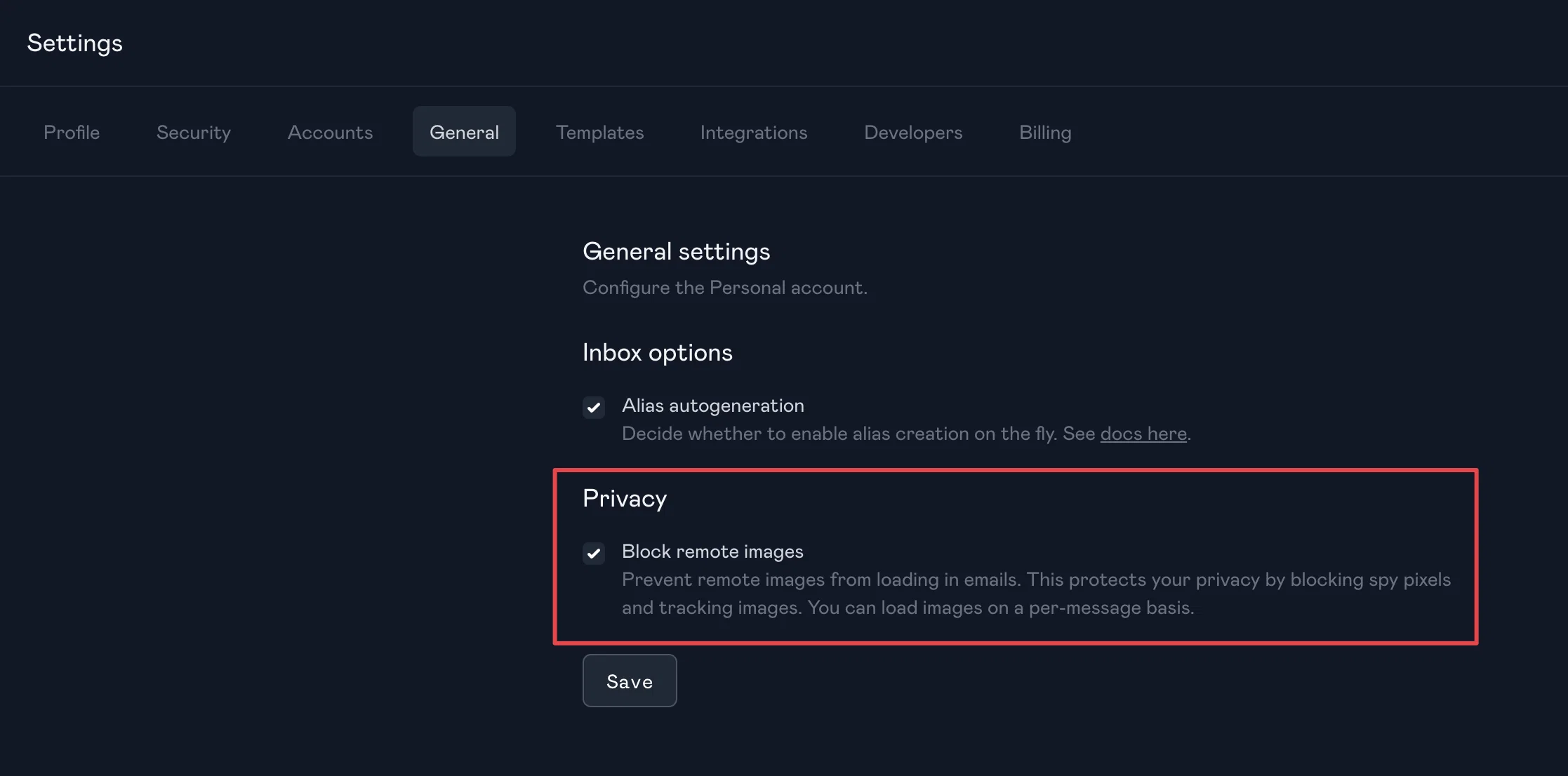
You can now block remote images from loading in emails. This prevents spy pixels and tracking images from making external requests when you view a message in the Paced Email mailbox.
Enable the setting under Settings → Privacy → Block remote images.
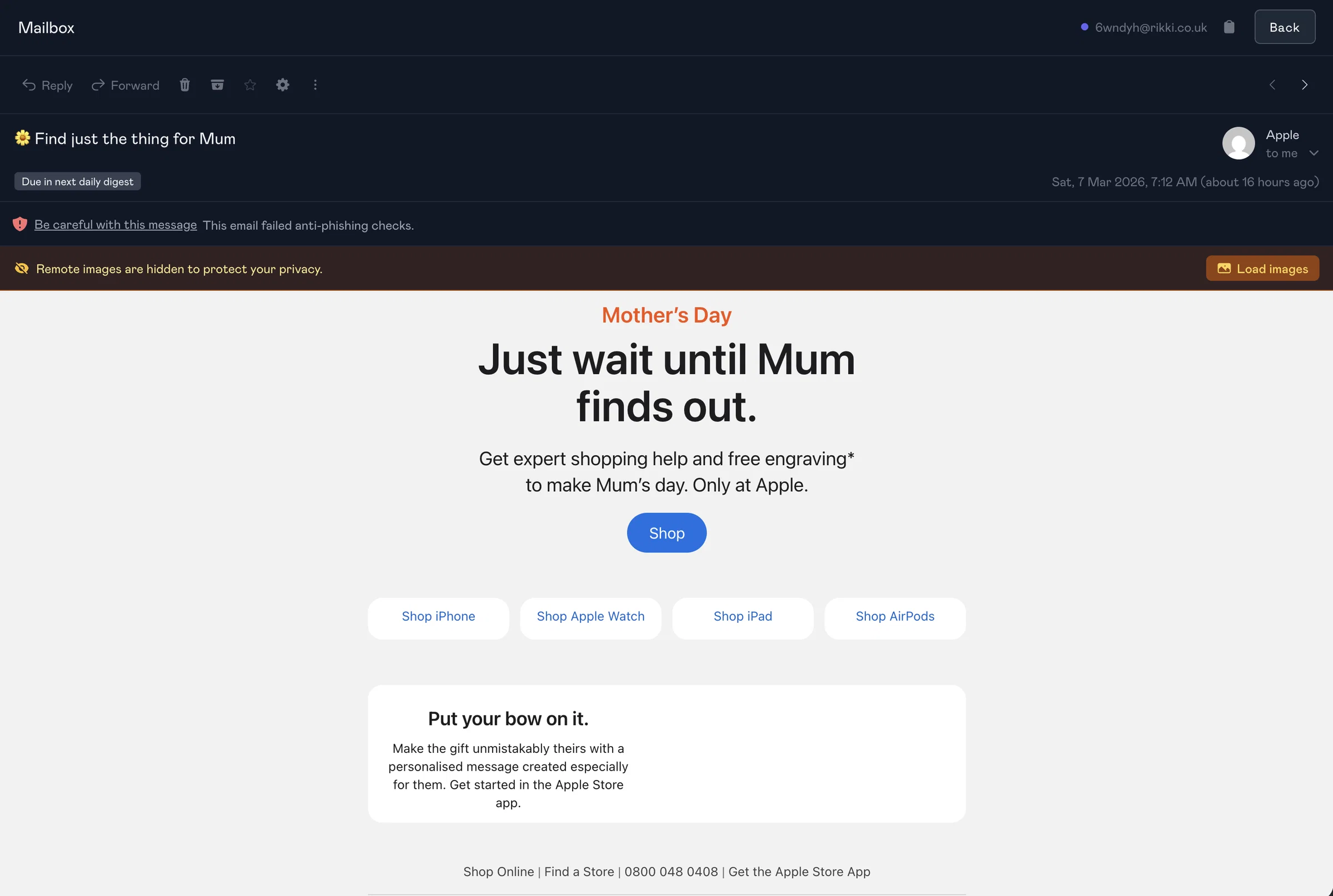
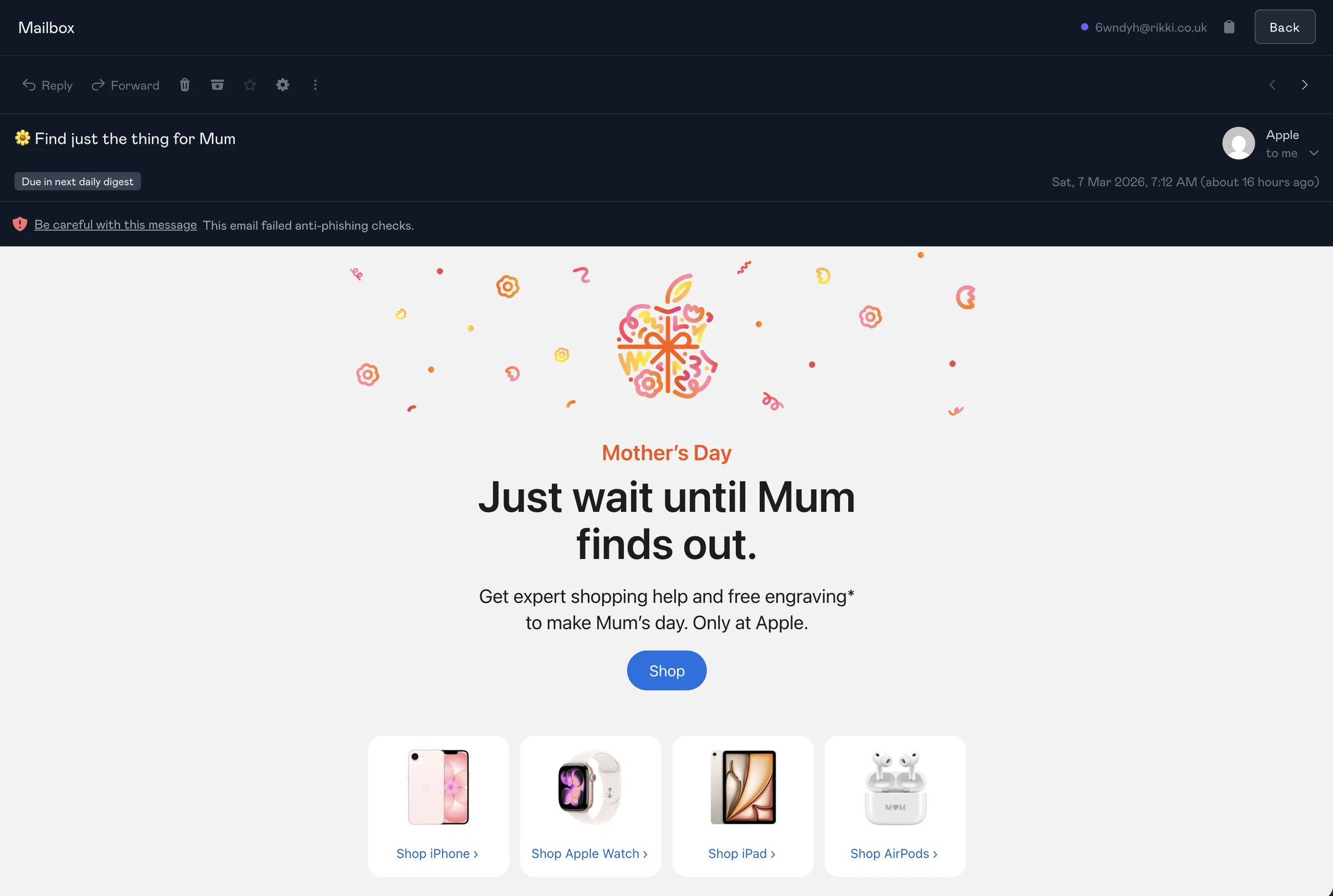
When enabled, remote images are stripped from all emails. A "Load images" button appears at the top of each message if you need to view them on a per-message basis.